Trading workstations
The desk,
decided.
Complete multi-monitor setups — screens, mounting, computing and cabling chosen as one. For traders who would rather trade than assemble.
The range
Three sizes of serious.
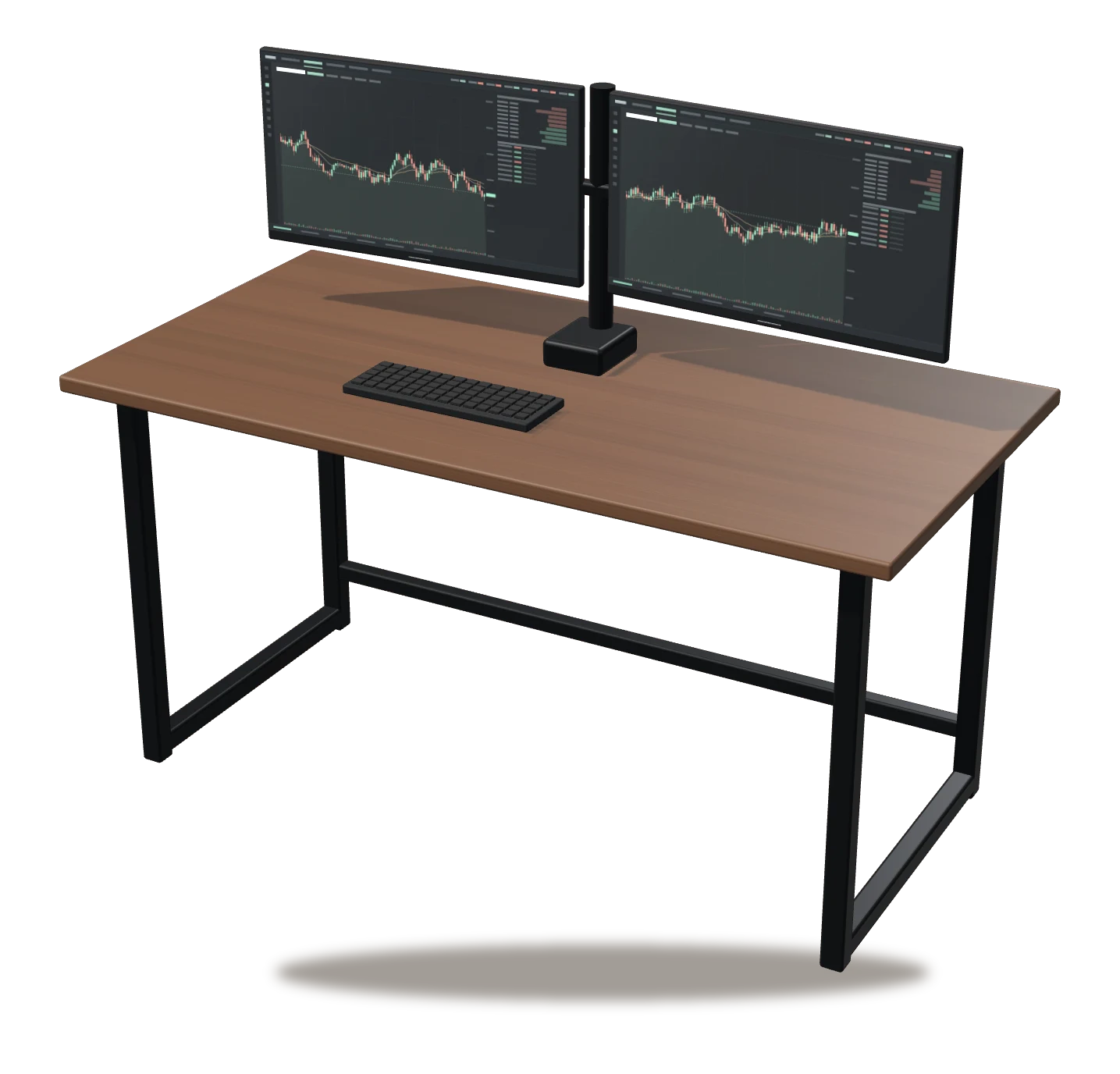 Two screens, one clear desk.
Charts beside execution. The rig that replaces a laptop, a second monitor and a pile of adapters with one clean setup.
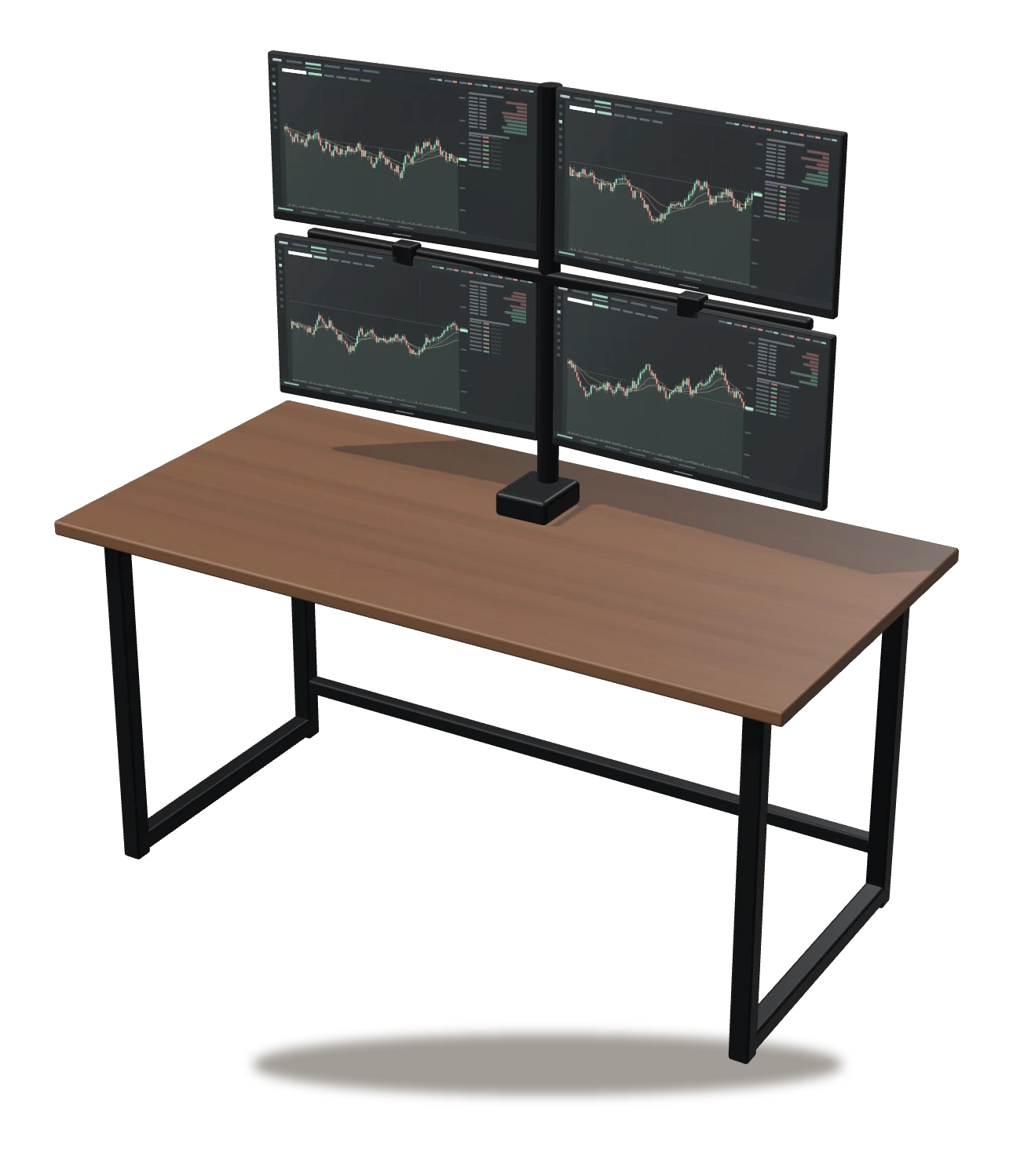 Four screens, everything in view.
Four markets or four timeframes, all visible without turning your head. The most common desk we build.
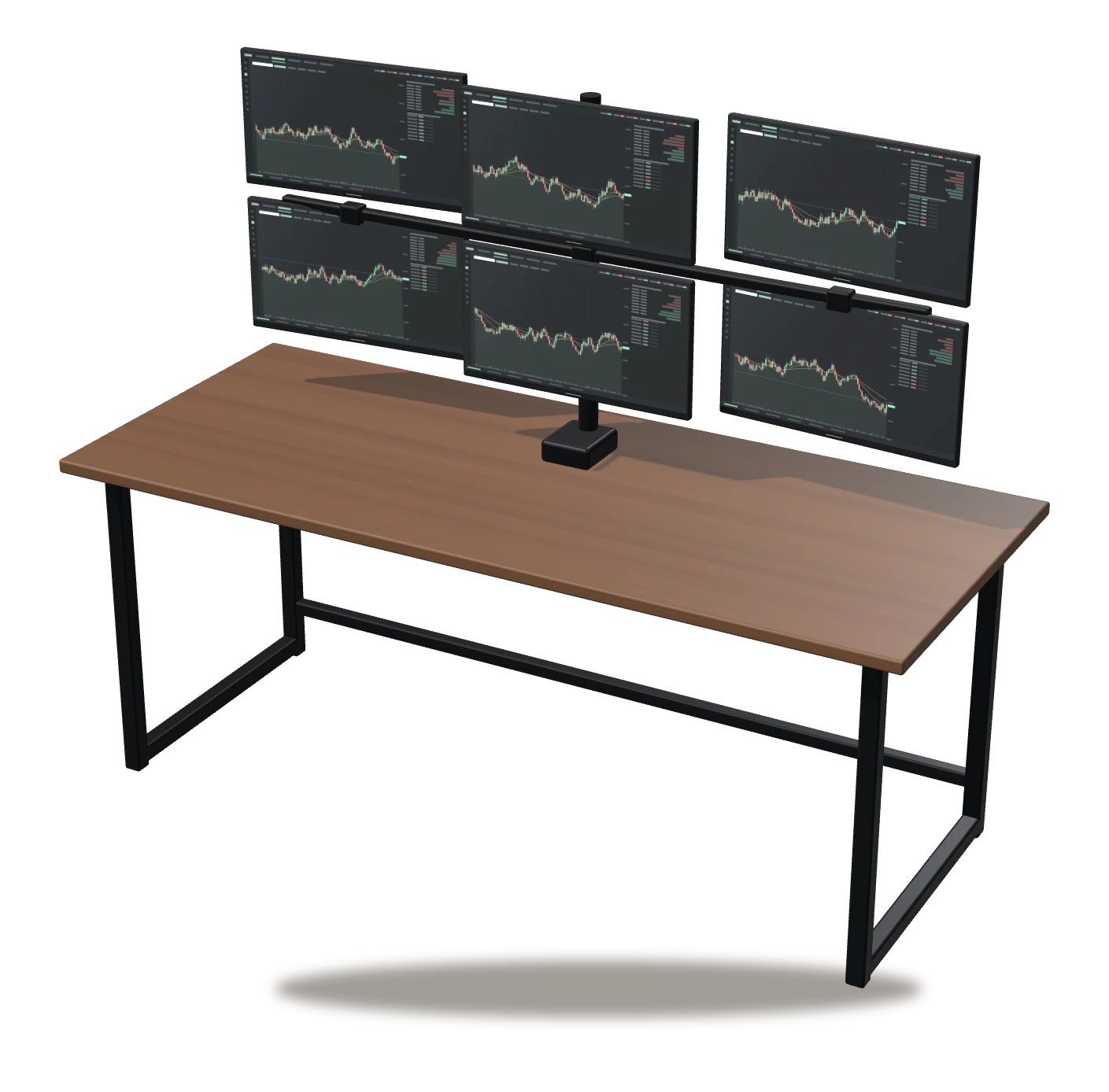
Six screens, nothing hidden.
Watchlists, depth, news and risk in a balanced 3 × 2 wall. A trading day that never asks you to switch tabs.
Six screens
Six screens is not
a bigger monitor.
It is six independent desktop workspaces. Watchlists, depth, news, risk and order entry, all visible at once — the difference between checking on the market and watching it.
Why one desk
The hard part
isn’t the screens.
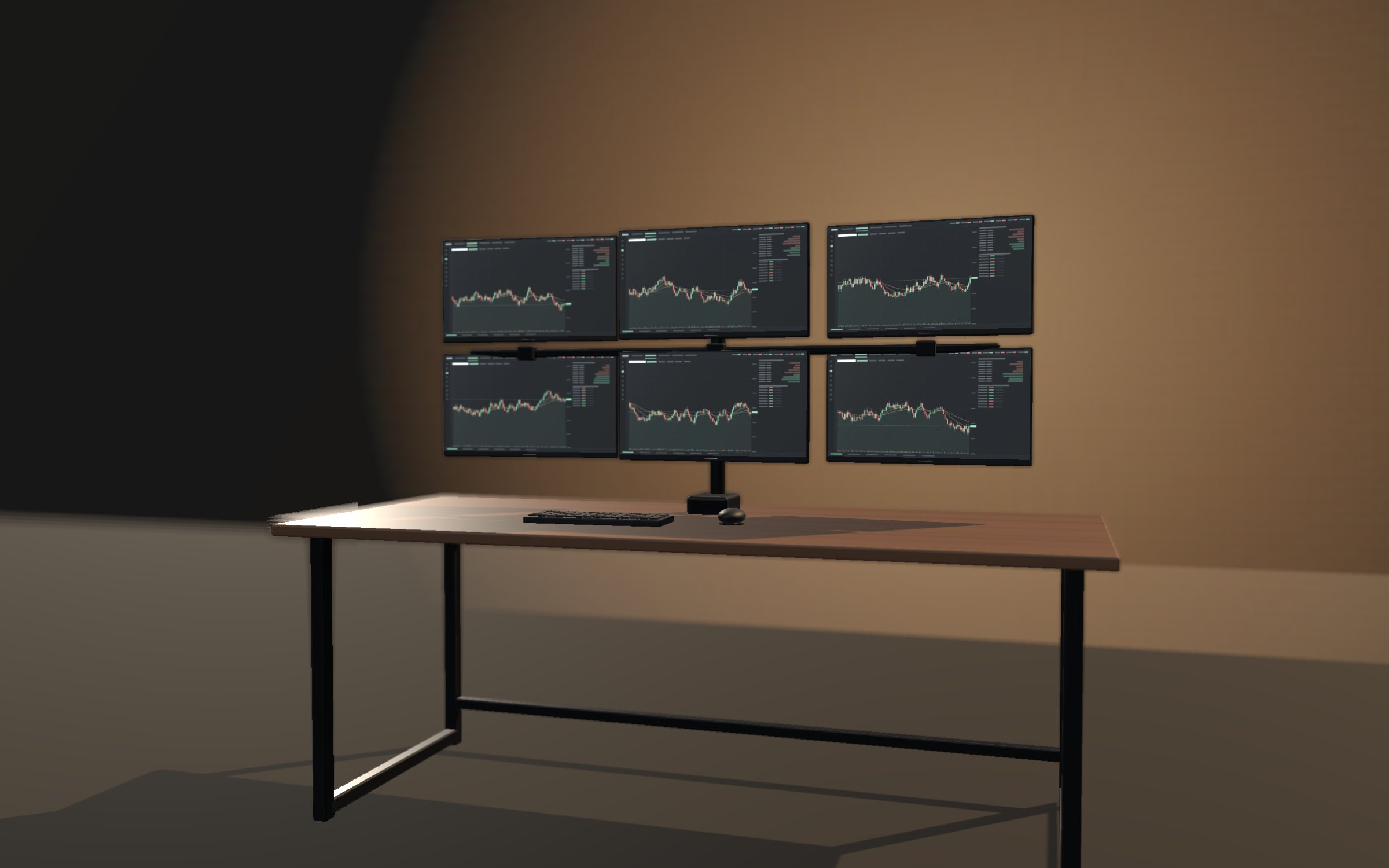
It is whether the machine drives them all, whether the arm carries them, whether the cables reach. Buy the parts separately and those questions are yours.
How it worksOutputs before panels
Six screens means six native display outputs — never a splitter showing the same desktop six times.
Mounting that matches
Arms and spines rated for the panels in the build, not chosen after the screens arrive.
One price boundary
Each family carries a ceiling, so the budget is decided before you start choosing.
Accessories
Finish the desk.
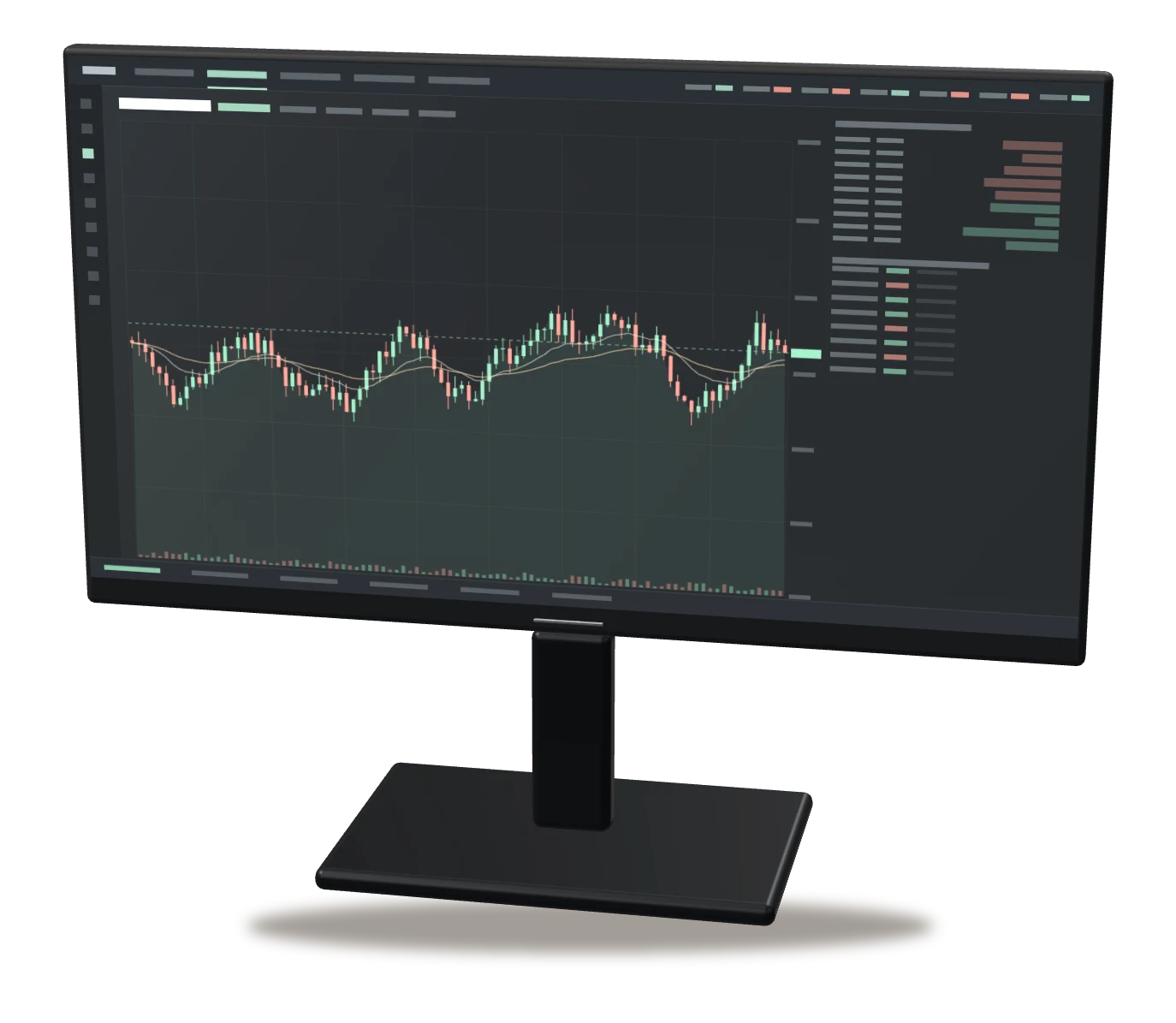 27in QHD display
$239
Thin bezel, height-adjustable, VESA 100
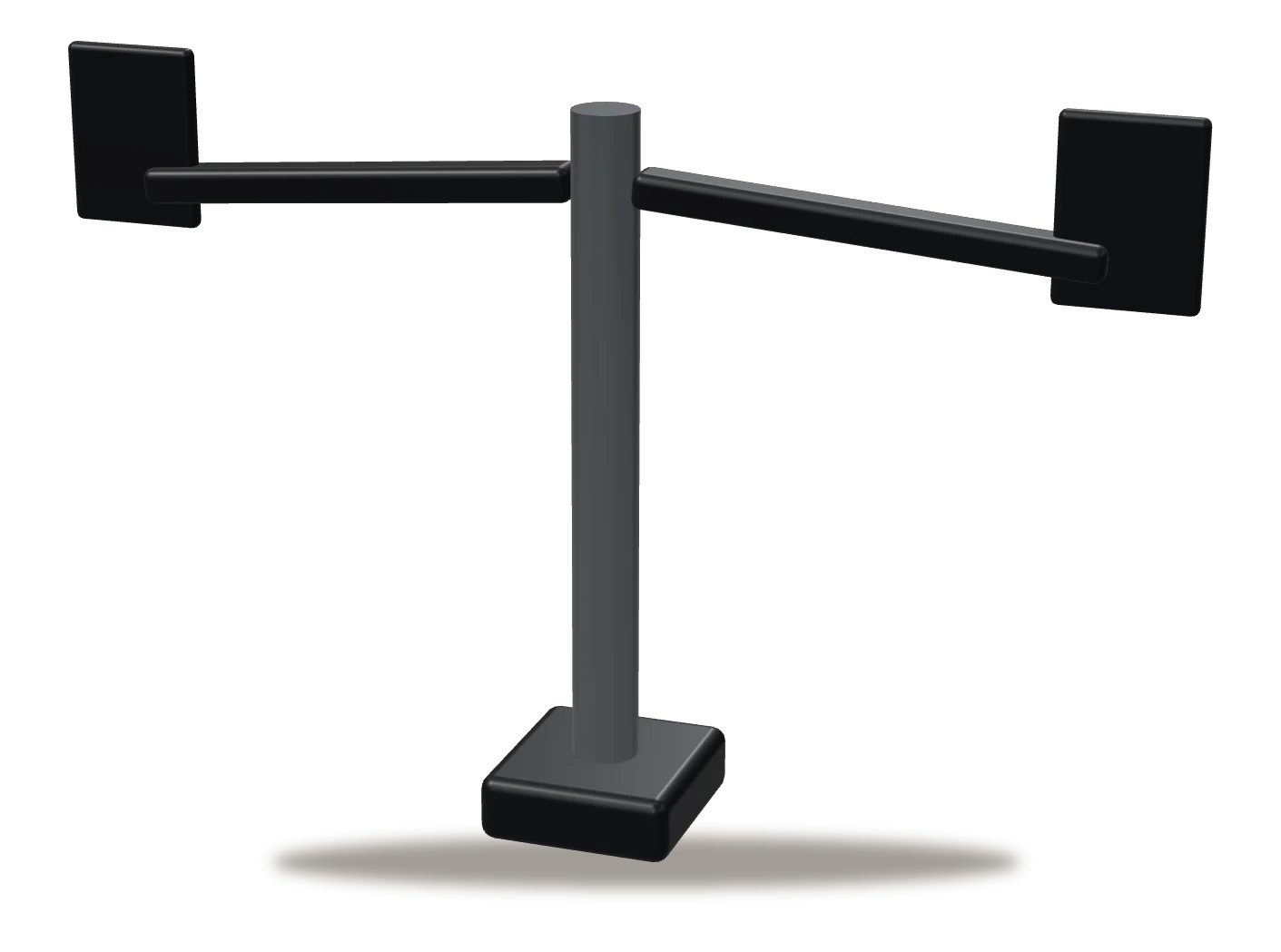 Dual gas-spring arm
$129
Desk clamp, two independent arms
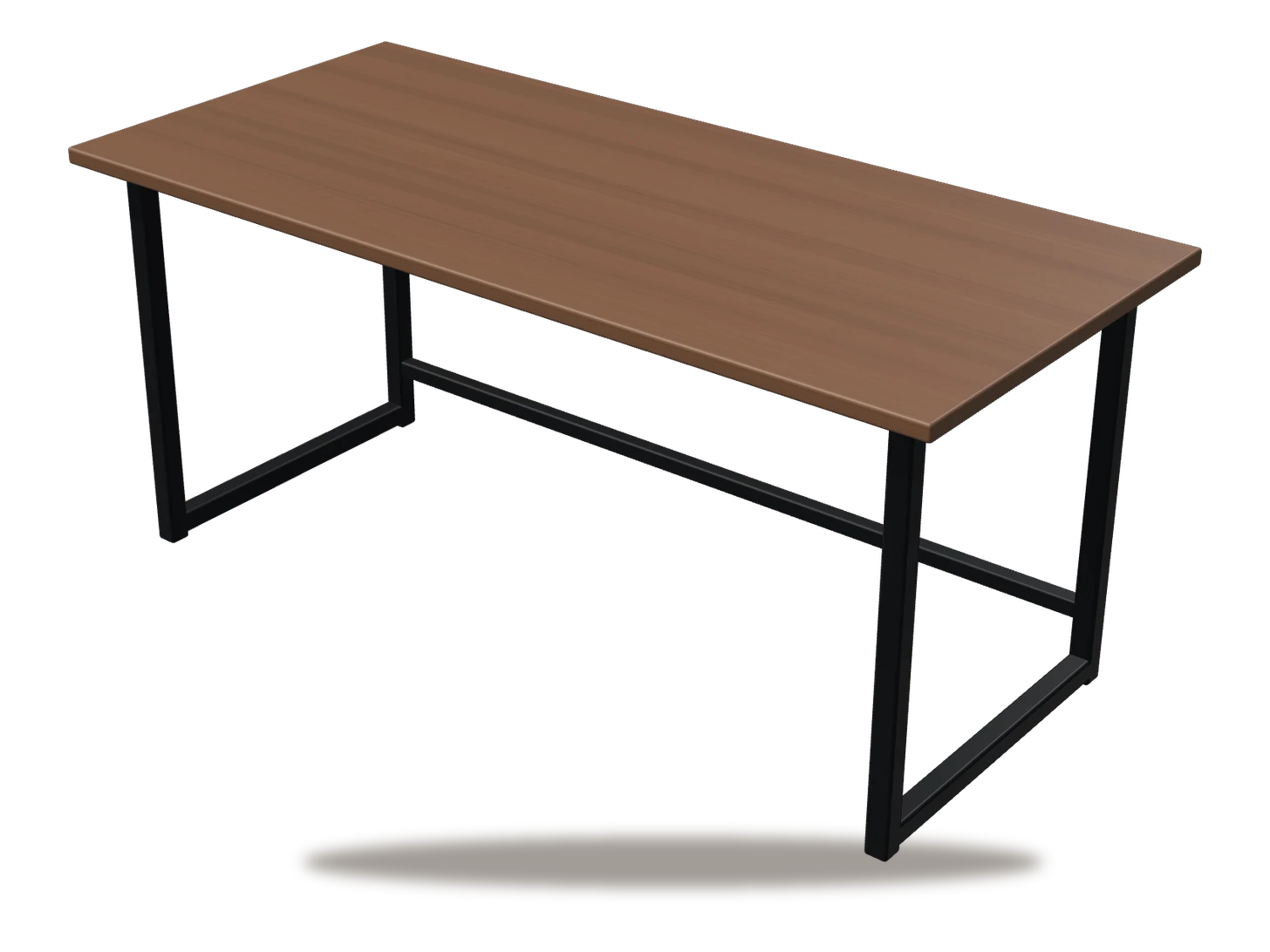 Walnut desk, 160 cm
$349
Solid walnut top, steel frame, cable channel
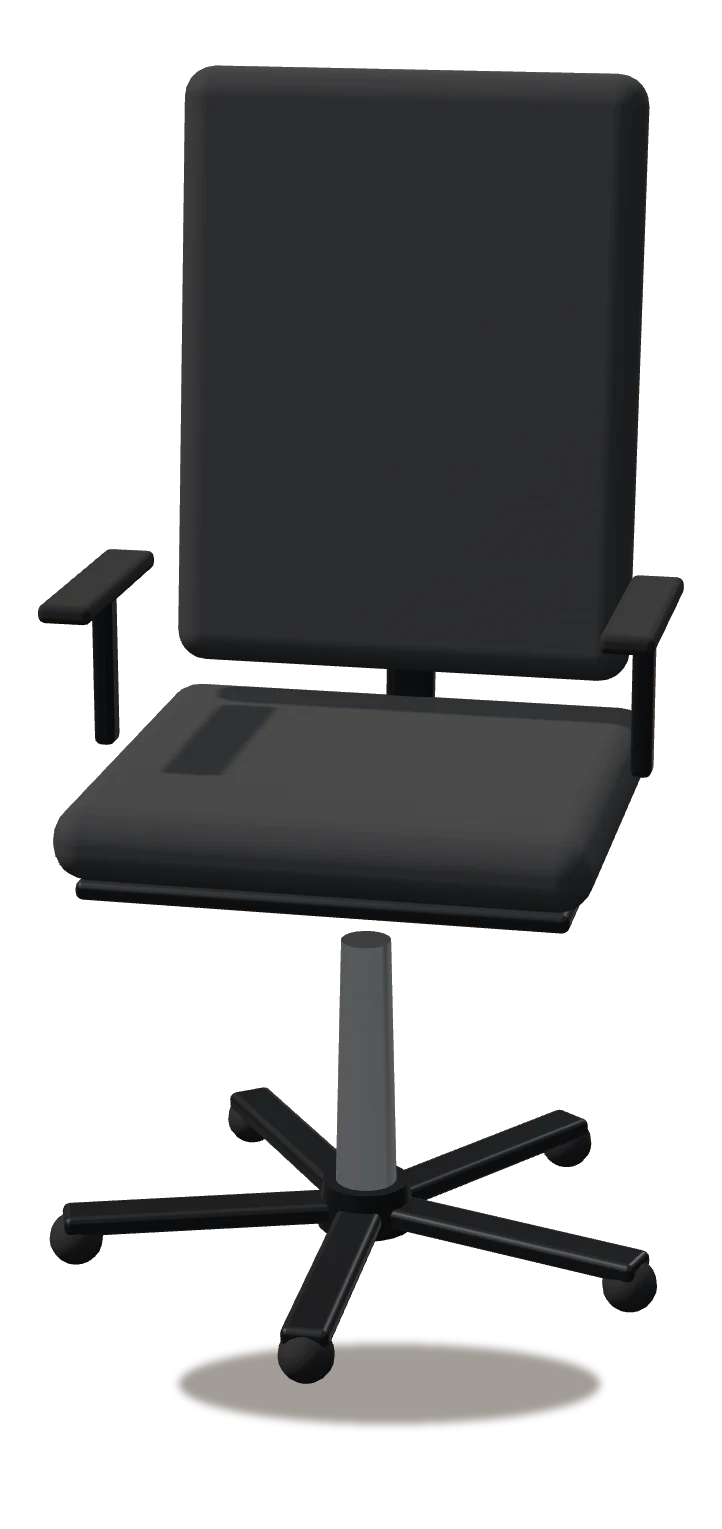 Mesh task chair
$289
Lumbar support, 4D arms, soft castors
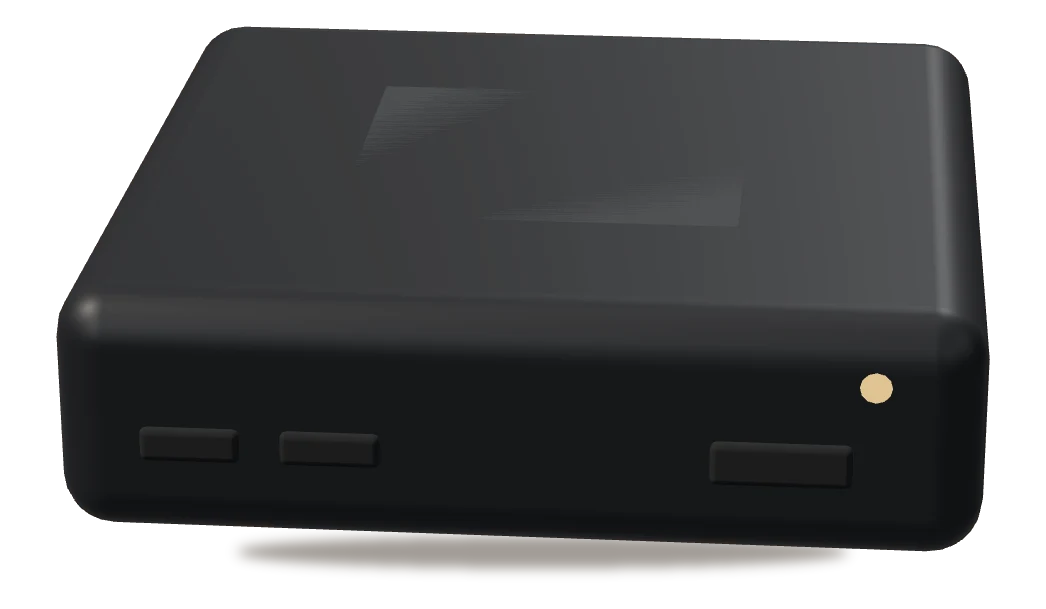 Mini PC, four outputs
$749
1.2 L chassis, four independent display outputs
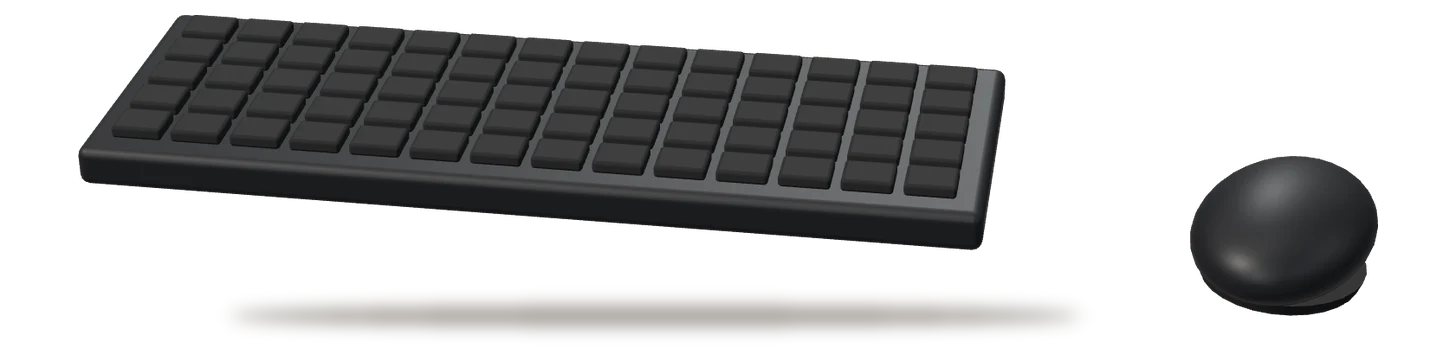 Keyboard and mouse set
$178
Tenkeyless keyboard, vertical mouse
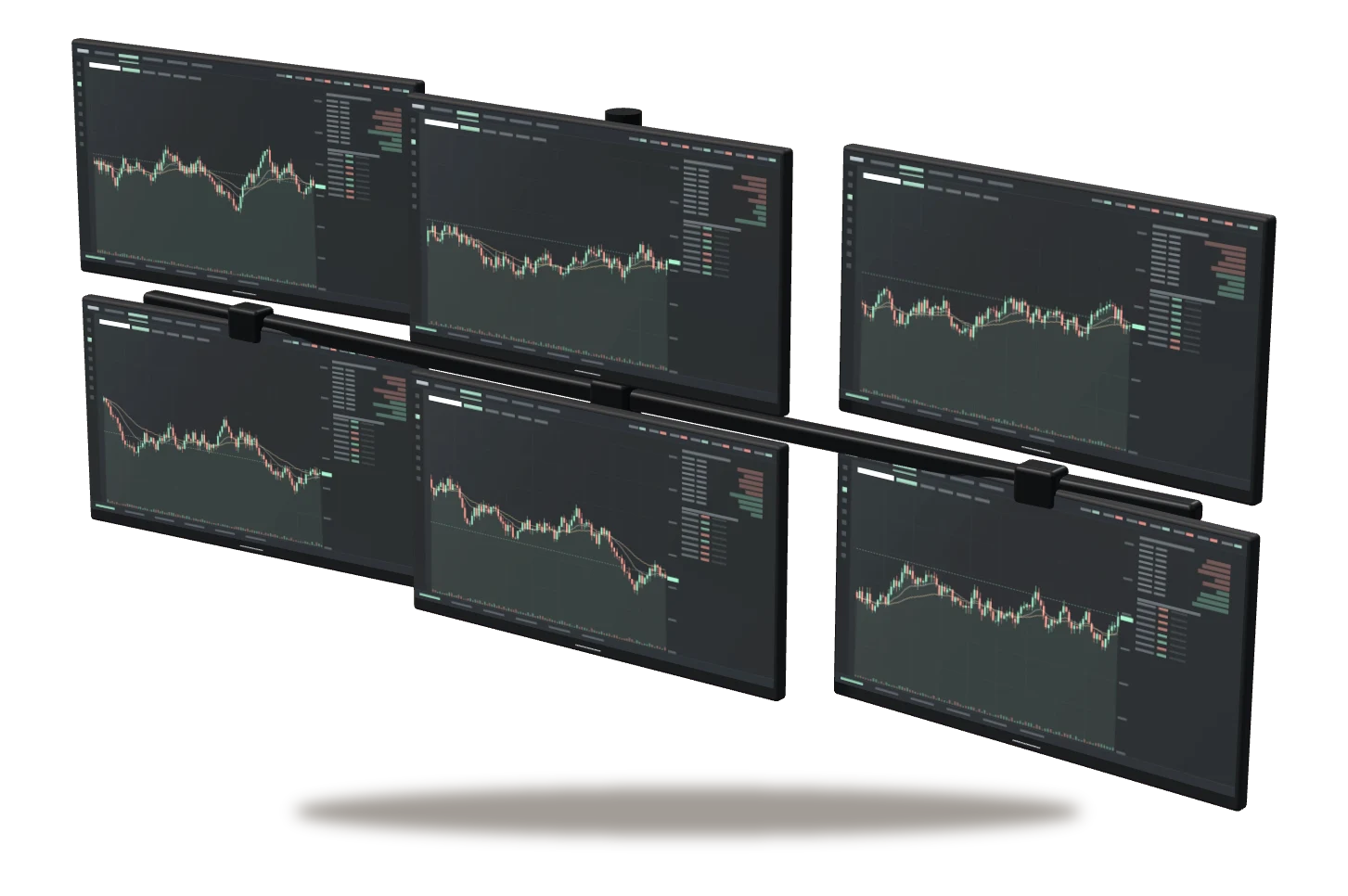 Six-panel spine arm
$229
3 × 2 spine, desk clamp or freestanding
Build your setup
Start with the screen count.
Choose two, four or six screens and the configurator works through computing, panels, memory, mounting and furniture — flagging anything that cannot carry the layout.
Ready when you are